
Testing Windows Applications: A Practical Plan
A Windows application can look clean in demo mode and still slow down operations on a Monday morning. An unsaved delivery note, a user locked out after three failed attempts, or a print dialog that behaves differently after an update aren't cosmetic bugs. Anyone who wants to know how to test Windows applications should therefore not start with individual buttons, but with the workflows that cost work, money, or traceability.
Especially in warehouses, workshops, dispatch, and administration, many critical processes run through desktop software that has grown over years. What matters there isn't whether a test case is impressively worded. What matters is whether staff can reliably get their work done under realistic conditions - including incomplete data, changing permissions, slow networks, and unplanned interruptions.
Testing Windows applications starts with the critical workflows
Not every function deserves the same testing effort. A rarely used export with manual follow-up work should be assessed differently than booking a goods receipt, generating a label, or the daily order reconciliation. So start with a simple question: what actually happens if this workflow fails?
High priority goes to processes with a direct impact on stock, delivery, invoicing, security, or customer communication. That includes things like login and permission checks, creating and changing master data, transaction bookings, document printing, interfaces to ERP or shipping services, and recovery after an error. Even functions used by only a small group of people can be critical if they block a month-end close or the release of goods.
These workflows don't turn into abstract test lists, but into traceable work steps. A goods-receipt test might, for example, start with an existing order, record a partial delivery, report a deviating quantity, assign a storage location, and then check whether stock, booking log, and printed document match. That way you're testing the software's actual effect, not just individual input fields.
Build a test base that reflects operations
Many bugs only become visible once the test environment gets close to reality. An application often behaves differently with an empty test tenant than with several years of transaction data, blocked items, missing required information, or already-opened transactions.
So set up test data deliberately. You don't necessarily need a complete copy of production. A controlled data set with typical, edge-case, and deliberately faulty cases makes more sense: items with different units of measure, customers with special terms, orders with partial deliveries, users with different roles, and transactions already in progress. Personal data should be anonymized or replaced with realistic sample data.
The test base also includes the technical environment. Document the Windows version, resolution, scaling, installed printers, network drives, database version, connected services, and permissions. That sounds dry, but it saves time later. If a bug only occurs on workstations with 125% scaling or with a particular printer driver, that needs to be reproducible.
Don't just check the ideal path
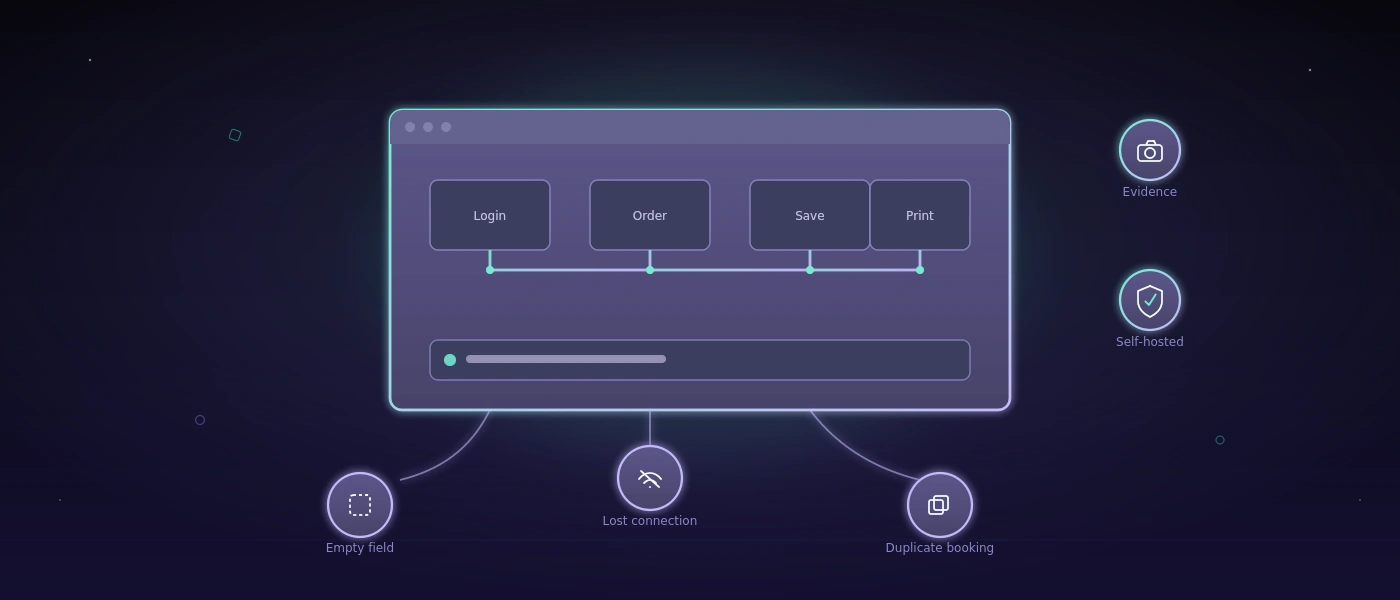
The ideal path mainly proves that the application was built for the expected route. In operations, the difficult situations arise alongside it. What happens if a user leaves a required field empty, triggers the same booking twice, or loses the connection while saving? Does the transaction stay consistent? Does the person get an understandable message? Can they keep working safely?
With Windows applications, handling and state are also particularly relevant. Dialog windows can appear in the background, keyboard shortcuts can overlap, file-selection dialogs can block the flow. Check whether focus, error messages, and locks are unambiguous. A technical exception with no guidance doesn't help the shift lead.
Use manual tests where judgment is needed
Manual tests aren't a sign of insufficient maturity. They're indispensable when a new workflow is emerging, an interface is being rebuilt, or domain expertise determines quality. An experienced warehouse manager will spot faster than a script whether a screen is understandable under time pressure, or whether a warning appears too late.
Manual testing does get expensive and unreliable, though, when the same stable workflows are repeated before every version. Then the release depends on available people, memory, and scattered notes. The right point to move to automation is usually where a process runs frequently, can cause significant damage, and has clear expected results.
A good manual test case describes the starting situation, steps, expected result, and required data. When there's a bug, add a screenshot, timestamp, application and build version, and the exact action. "Printing doesn't work" isn't a usable bug description. "After changing the delivery address, the print dialog stays open, order 4711 doesn't get a PDF, and no message appears" is.
Automated regression tests for recurring risks
Automation doesn't check whether software is fundamentally good. It checks whether previously working, defined workflows still work after a change. That's especially valuable for Windows software whose interfaces, database logic, and external interfaces get developed further over years.
Start small. Pick five to ten business-critical workflows first that should be checked before every release. Those might include login with an account-lockout flow, order entry, warehouse booking, PDF or label printing, role switching, and a central import. Only once these tests run reliably does expanding to edge cases pay off.
For desktop applications, automated tests often drive visible interface elements: windows, input fields, tables, buttons, and dialogs. That works, but it's more fragile than a pure interface test. Small layout changes, slower machines, or ambiguously named elements can break tests. So developers, the business side, and test owners should jointly decide which elements are stably addressable and which check steps are better secured via the database, a log, or an interface.
A sensible test also checks more than just that a button could be clicked. It verifies the business consequence: was the booking saved? Is the stock correct? Was a document generated? Was no duplicate record created? Visible interaction and a verifiable result belong together.
Evidence is part of the test result
A green status alone rarely suffices for critical applications. When a test fails, teams quickly need an answer to three questions: what was the starting situation? At which step did the workflow fail? What did the application show at that moment?
Screenshots, execution logs, and, where appropriate, screen recordings make bugs discussable. They significantly shorten the handoff between operations, QA, and development. For regulated or security-conscious companies, they're also a solid basis for tracing sign-offs and deviations.
The storage location isn't a side issue here. Test runs can contain internal customer data, price lists, order information, or screen views. Anyone automating tests for sensitive Windows applications should clarify whether that data is allowed to leave their own infrastructure. A self-hosted environment like COCO can make sense here, because test execution, evidence, and evaluation stay under your own control. Whether that's necessary depends on data protection requirements, contractual situation, and protection needs - not every team needs the same architecture for it.
Build testing into the release process
The best test catalog loses value if it only gets used after a hectic go-live. Define a fixed point in time: automated core regressions run before every release, manual acceptance checks new or changed workflows, and known limitations get documented openly.
Not every failed test needs to stop a release. A bug in a rarely used admin view can be acceptable if a safe workaround exists and the affected area is clearly informed. A bug that books stock incorrectly or silently locks out users needs to be treated differently. That decision should be made based on business impact, not on the mere count of red tests.
Maintain the tests alongside the application. When a process changes deliberately, update the test case, test data, and expected result together with the requirement. Outdated tests create noise and eventually get ignored. A few trustworthy checks are worth more than hundreds of automated workflows whose results nobody takes seriously anymore.
In the end, it's not about simulating every conceivable input. It's about protecting the work that has to run again the next morning. Start with a single critical process, make its outcome provable, and build outward from there.