
Warehouse Software vs ERP
A goods receipt arrives at the same time as an urgent picking job, two employees ask about the storage location of an item, and a delivery note has already been corrected by hand. It's in exactly these moments that the question of Warehouse Software vs ERP becomes practical. It isn't about the most modern interface or the longest feature list. It's about whether the information is available right where a decision has to be made in seconds.
Many small and medium-sized businesses in the DACH region start out with an ERP, a spreadsheet and a lot of experience on the team. That can work for a long time. Problems start when stock figures diverge between systems, search times increase, and every special case has to be solved by shouting across the warehouse. At that point a large ERP project is often floated, even though maybe only one clearly defined warehouse process actually needs to be digitized.
Warehouse Software vs ERP: the difference in daily work
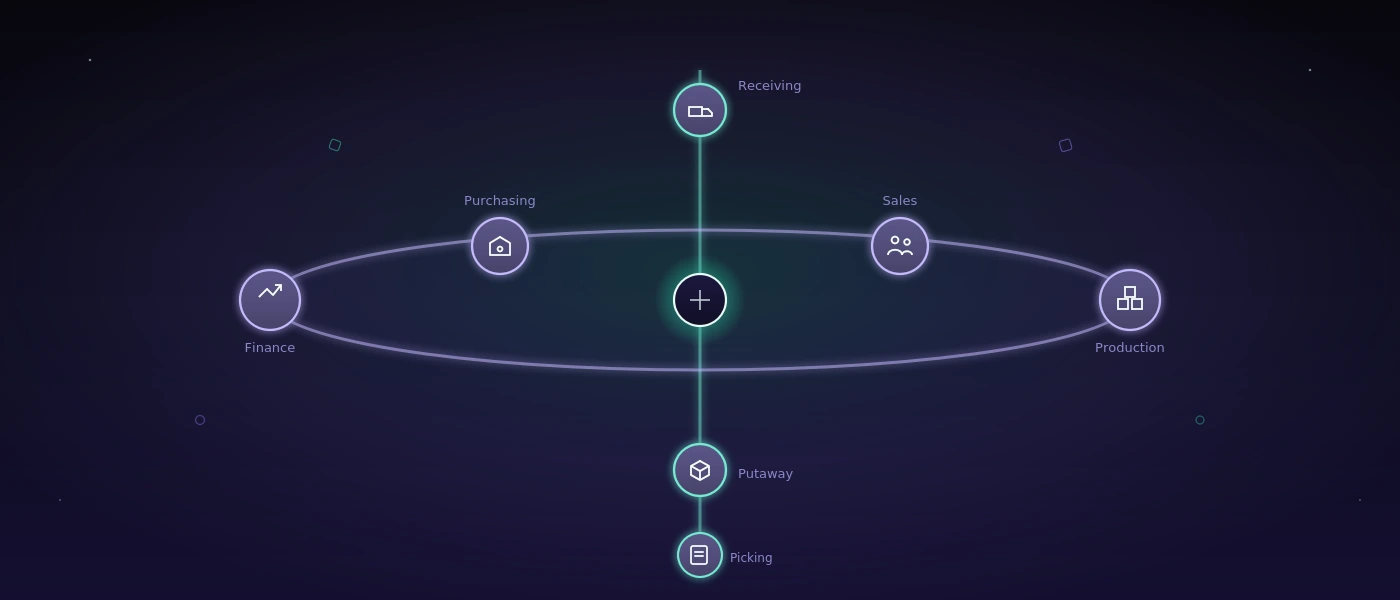
An ERP system maps the business broadly. It typically connects purchasing, sales, item master data, accounting, production, invoicing and planning. Its strength is that commercial and operational data flow together within one shared framework. An order is created, an invoice is issued, a requirement is planned, and stock is valued.
Warehouse software, often called a WMS or warehouse management system, works closer to the actual movements inside the warehouse. It supports goods receiving, putaway, transfers, picking, stocktaking, shipping and returns. It answers questions an ERP often only maps coarsely: which location is the item on? What stock is actually available? Which batch was shipped? Which order takes priority? Who confirmed the transfer?
This split isn't absolute. Some ERPs have extensive warehouse functions, and some WMS products connect to order or purchasing processes. What matters, then, isn't the label on the offer, but the operational depth. An ERP can manage ten storage locations and still be impractical if staff have to open several screens for every movement, or only enter data later.
The ERP is the commercial source of truth
When an order needs to be invoiced, a purchase order triggered, or a material valuation created, that belongs in the ERP in most businesses. That's usually where the leading item and customer logic lives. This role shouldn't be carelessly duplicated. Two independent systems for prices, item numbers or orders don't create security, they create reconciliation work.
An ERP is particularly worthwhile when the central challenge spans departments: purchasing and production need to be planned together, financial data needs to stay consistent, or several legal entities work with the same processes. Anyone who doesn't yet have that kind of foundation shouldn't expect a pure warehouse solution to replace every business process.
Warehouse software controls the movement
In the warehouse, though, what matters isn't only what's theoretically in the system. What matters is what has just arrived at gate three, which bin is free, and whether the goods have been reserved for a confirmed order. A good warehouse solution reduces friction at exactly these points.
That can start with mobile scanners: items are scanned at goods receipt, assigned to a storage location, and immediately reported as available. During picking, the system guides staff through a sensible sequence, checks item and quantity, and generates shipping labels or delivery documents as needed. The booking doesn't happen hours later at an office desk, it happens within the process itself.
The benefit isn't only speed. Traceable bookings make errors visible. If a stock figure is wrong, you can pin down when a movement was missed or confirmed incorrectly. That's far more reliable than a monthly correction in a spreadsheet.
When an ERP module is enough
An existing ERP module can be the right choice when the warehouse organization is manageable and the team can reliably work with the processes. A single warehouse, fixed locations, few order lines, and no strict batch or serial number requirements are typical conditions. With low shipping volume, too, an additional system component can create more upkeep than benefit.
Before acquiring a new system, it's worth running a sober test: can an employee fully book a goods receipt, a transfer and a shipment without a notepad? Is stock visible per storage location? Can stocktaking discrepancies be traced back? Are documents created without double entry? If the answer to most of these is yes, expansion may not be urgent.
The spreadsheet is also allowed to stay, if it cleanly serves a limited purpose, such as seasonal capacity planning or a one-off analysis. A good solution doesn't replace every familiar way of working. It replaces the manual steps where errors, waiting time or missing transparency actually cost money.
When a specialized warehouse solution becomes worthwhile
The turning point usually arrives gradually. First, one employee asks about an item more often. Then stock is kept higher than needed, just in case, because nobody is sure of the actual available quantity. Eventually shipments get delayed because delivery notes, labels and stock corrections run through different tools.
A specialized warehouse software becomes especially worthwhile when several of these conditions come together:
- multiple warehouse zones, storage locations or external warehouses need to be managed
- goods receipts, transfers and picking happen in high volume every day
- batches, serial numbers, expiry dates or blocked stock need to be tracked
- shipping carriers, label printers or mobile scanners need to be built into the process
- operational reality diverges from what the ERP shows more and more often
This list isn't an automatic purchase recommendation. A business with many line items can work fine with a well-set-up ERP. Conversely, a small business may need a lean warehouse application early on if every part has to be traceable, or several teams need to book at the same time.
The integration question often matters more than the features
The hardest question in Warehouse Software vs ERP is rarely: which system can do more? The better question is: which data needs to flow into which system, and when?
In many cases the ERP stays the leading source for items, customers, orders and commercial documents. The warehouse application takes over operational execution. It receives released orders, carries out the warehouse movements, and reports back status, quantities, batches or shipment numbers. That way, each side has a clear job.
This interface needs concrete rules. What happens to an order change after picking has already started? Is a warehouse allowed to go negative in stock? Which booking counts during a network outage? How are items blocked when they're flagged during a quality check? Without these decisions, even a technically clean API becomes a new source of errors.
For small and medium-sized businesses, a step-by-step rollout is often more sensible than a complete switch. Goods receiving with barcode scans can be introduced first. Storage locations and transfers follow next, then picking and shipping later. This lets real exceptions surface early, without betting the whole operation on a single cutover day.
Standard product, ERP expansion, or a purpose-built application?
A standard WMS pays off when your own processes are largely conventional and an existing integration fits the ERP. It brings proven functionality into operation quickly. The price for that can be that teams have to adapt their workflows to fixed defaults, or pay for enterprise features they rarely use.
Expanding the ERP makes sense when the necessary operational depth is genuinely available and usable on the warehouse floor. You shouldn't just check the product demo, but a real workflow with a scanner, gloves, patchy Wi-Fi and time pressure before departure.
A purpose-built application becomes interesting when the process carries the company's competitive edge, or standard software permanently forces workarounds. That could be an unusual goods-receiving process, a link between a workshop and the warehouse, special delivery notes, or a routing logic of your own. In that case, the solution shouldn't be made artificially large. A clear process, cleanly modeled and built on a maintainable technical foundation, is worth more than a platform that theoretically can do everything.
softify.pro builds such systems around concrete movements and responsibilities: from goods receiving through warehouse bookings to shipping documents. The data model, permissions, error cases and later maintenance stay part of the implementation — not tasks for sometime after go-live.
Questions that belong on the table before the decision
Not every requirement has to be automated on day one. But it should be decided on deliberately. The people responsible should work out with the warehouse team, sales and accounting which data is authoritative, which errors occur most often today, and which metrics will actually be needed later. A nice-looking stock overview helps little if nobody knows whether reserved, blocked and available quantities are treated differently.
Ownership of master data matters just as much. Warehouse processes rarely fail because of a missing button. They fail because of inconsistent item numbers, poorly maintained units of measure, and unresolved rules for substitute items or unit conversions. Software can make these problems visible. It can't resolve them without decisions made inside the business.
The right choice, then, isn't automatically ERP or warehouse software. It comes from the gap between your current process and the process your team actually has to run reliably. Start with one movement that costs time or creates errors today, and check which system maps that movement most clearly, quickly and traceably.